
My Rota
My Rota allows users to view their working shifts, absences and availability (if configured to do so). The My Rota view also allows users to see other team members who have working shifts on the same day.
To view My Rota
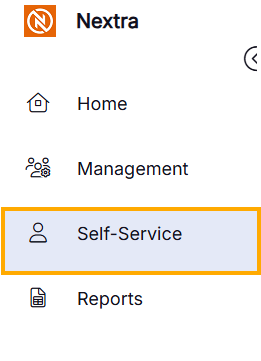
- Select Self-Service
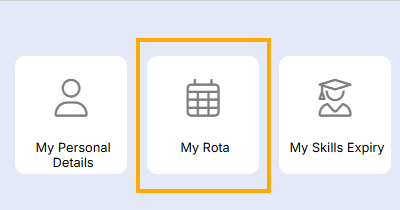
- Select "My Rota"
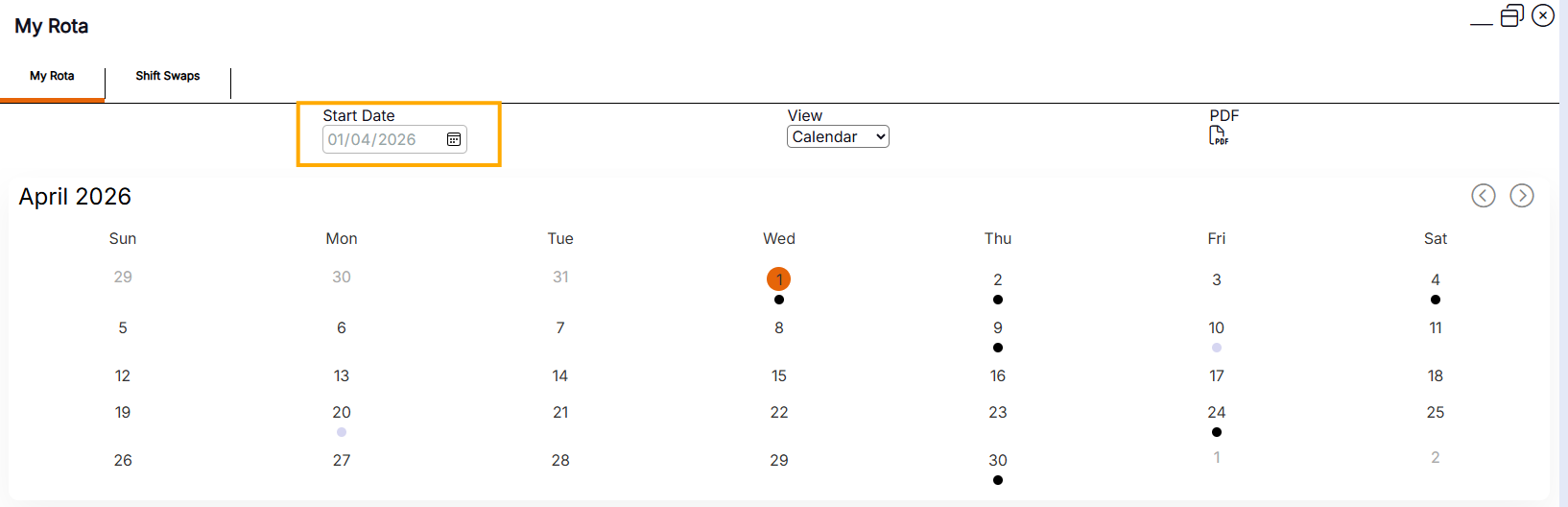
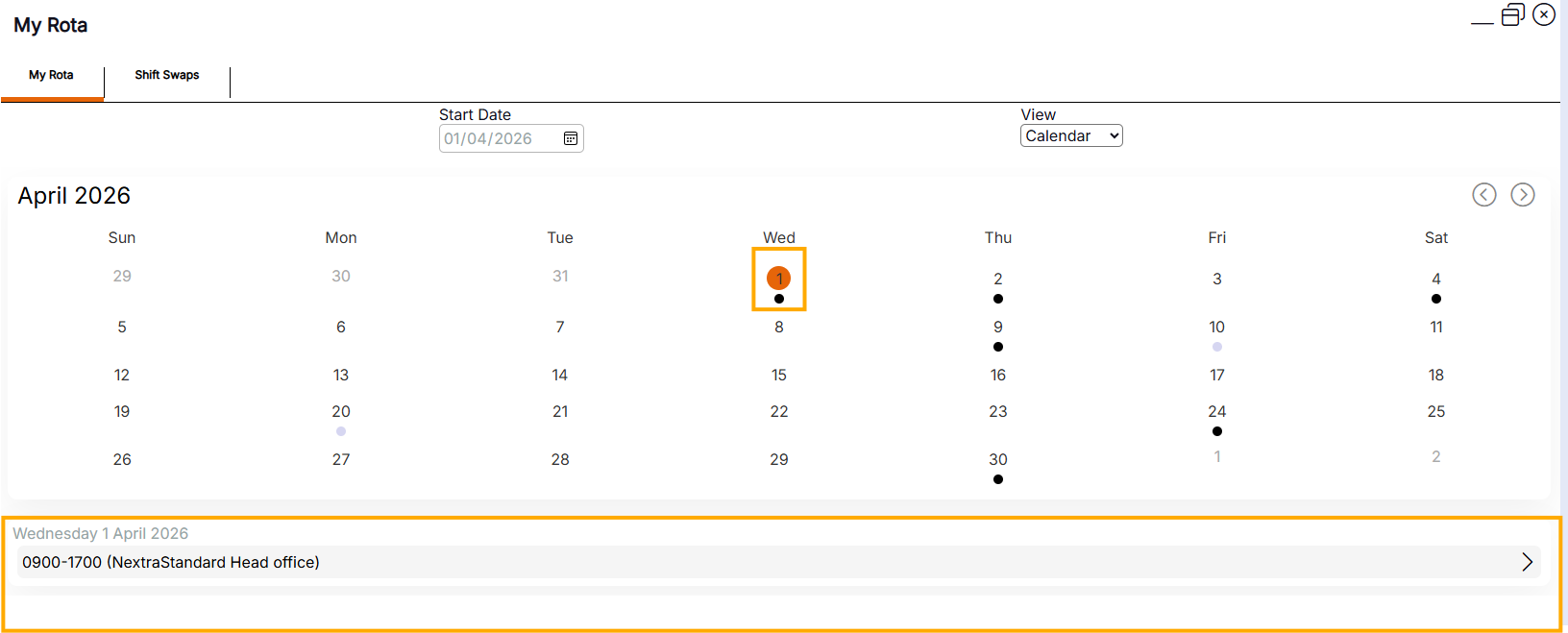
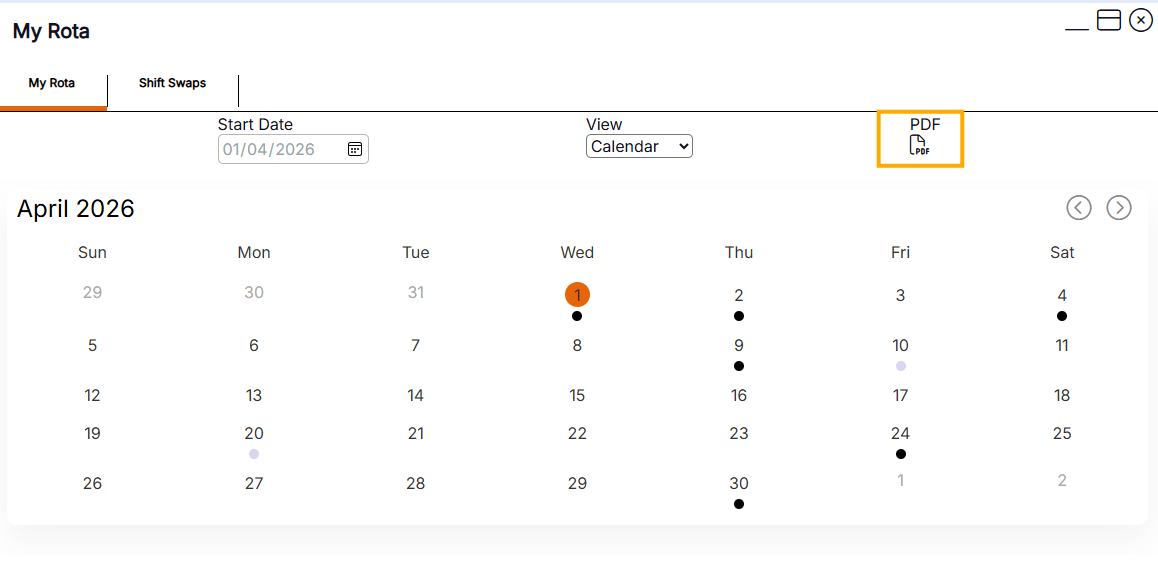
The rota will display with the current month as a default
Users can view a different month by selecting a date that falls within the month they would like to view from the Start Date field.
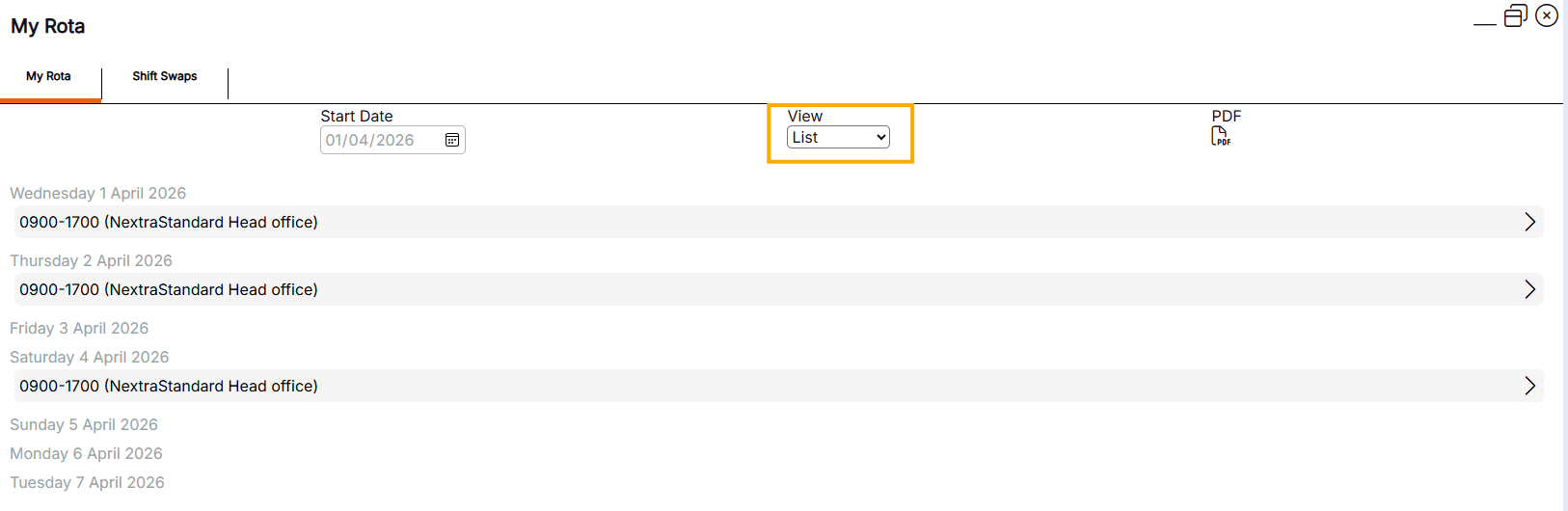
Users can view the rota by week in a list, by selecting List from the View menu.
To view details of a day, select the date and the view will expand below the calendar
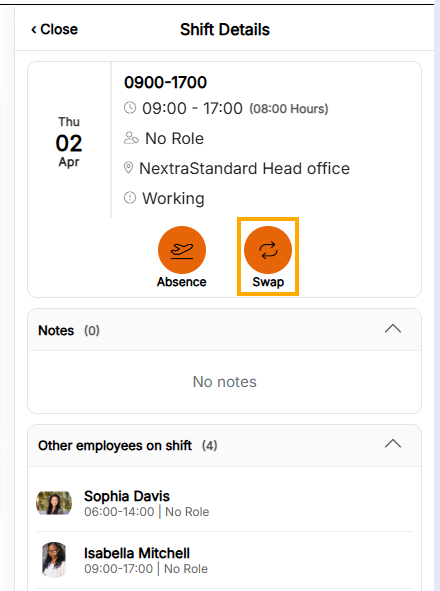
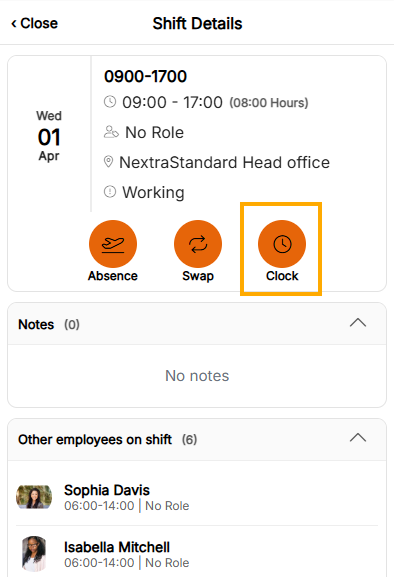
To view details of a specific shift, select the shift from the expanded menu. The shift details will display with the shift name, time, role, location and type (i.e., working or availability).
Details of team members who have working shifts on the same day and location are displayed below.
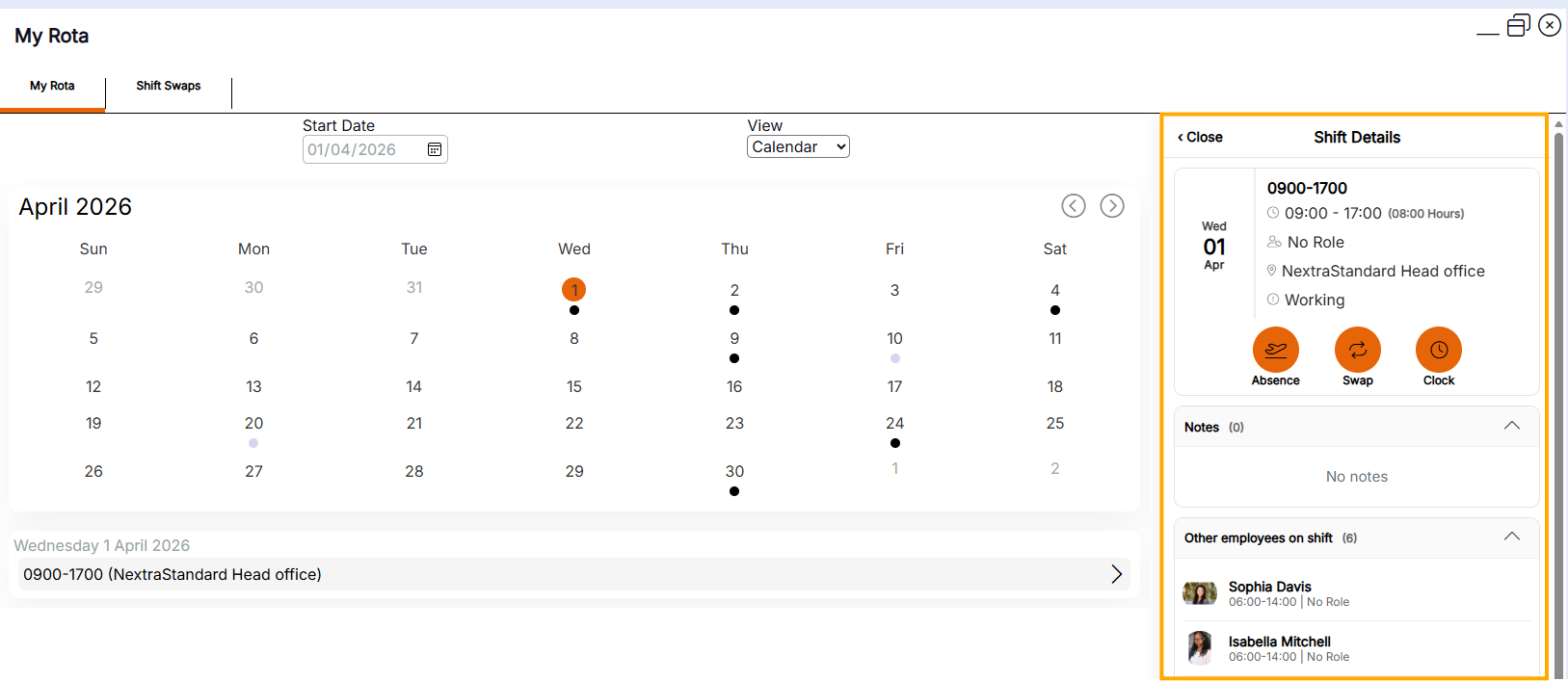
Users can perform actions from My Rota as follows:
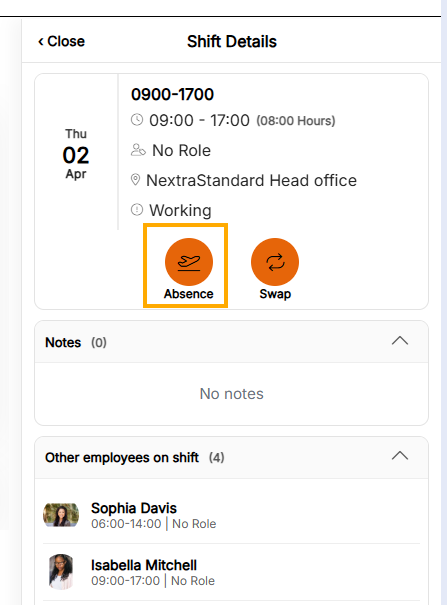
Absence Action Button - This button allows you to book an absence. This action button shows on working and availability shift types for current and future days only.
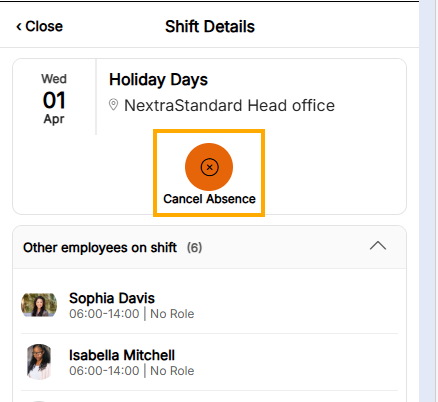
Cancel Absence - This action button allows you to cancel an absence for current or future dated absences depending on system configuration.
Swap - This button allows you to request a shift swap with another employee. This action button shows on working shift types for current and future days only.
Clock - This button allows you to clock in or out for your current shift. This action button shows only on working and availability shift types for the current day.
Download as a PDF
Users can download My Rota as a .pdf file by selecting the PDF icon, this will download the rota as a PDF in the view mode selected.
Handy Hint - Once you have exported your rota as a PDF, you can save the document to refer to it later or print it if required.

