
How to view the existing personal details
How to view the existing personal details that are stored on your record within the system
The My Personal Details tile allows you to view the existing details that the system holds for you, as well as update them. To view your existing details, follow these steps:
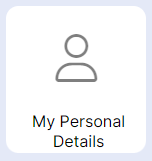
Step 1 – Select the "My Personal Details" tile.
HANDY HINT - In accordance with GDPR regulations you are entitled to see the information that is being held on the system on your behalf. This tile allows you to see your details.
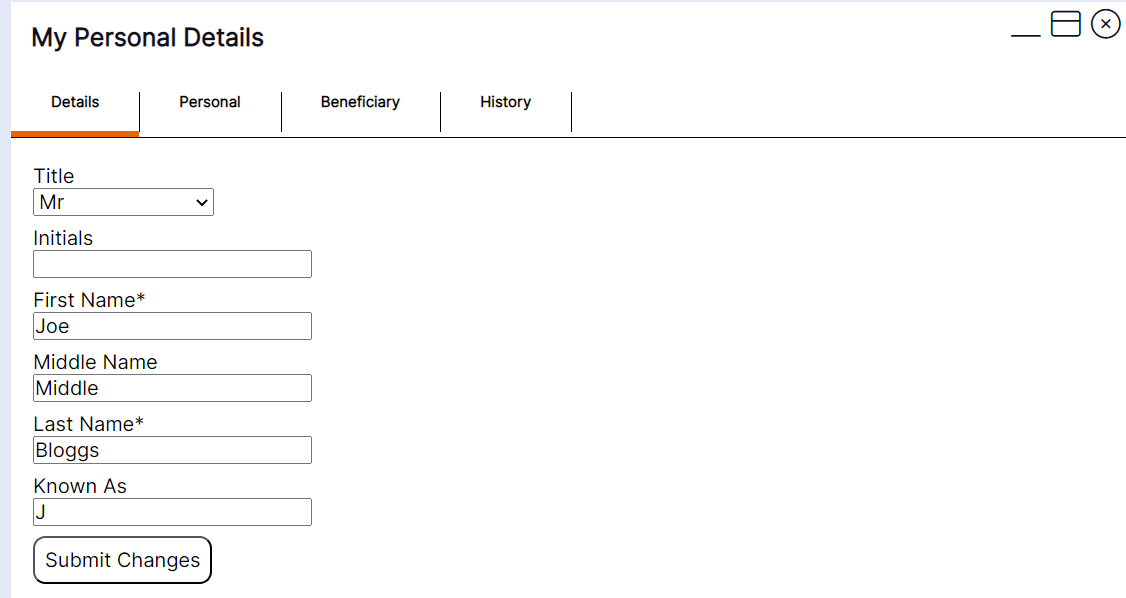
Step 2- Select the "Personal" option.
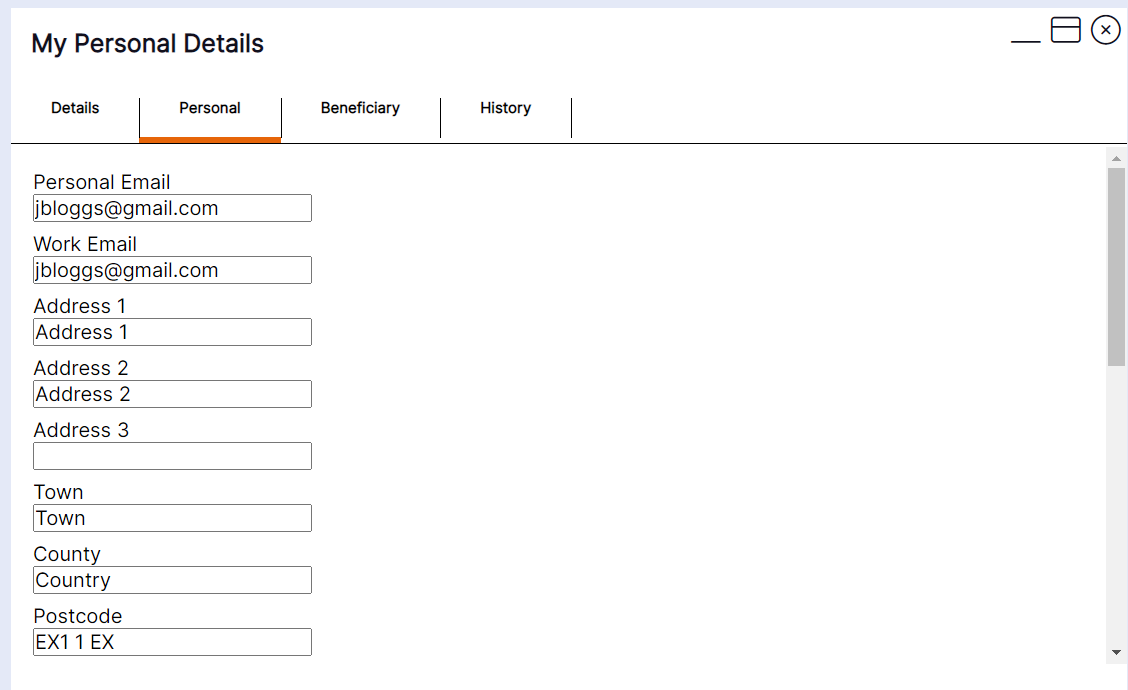
Step 3- Enter your details and scroll down using the scroll bar on the right hand side.
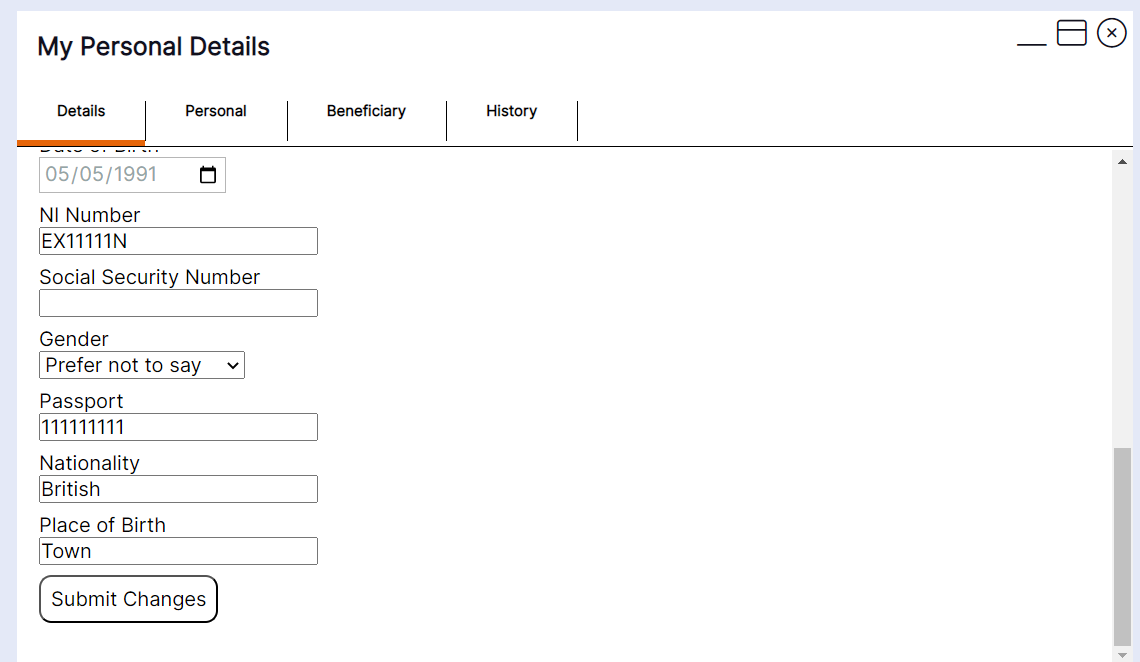
Step 4- Select "Submit Changes".
Step 5 – Select the "Beneficiary" tab.
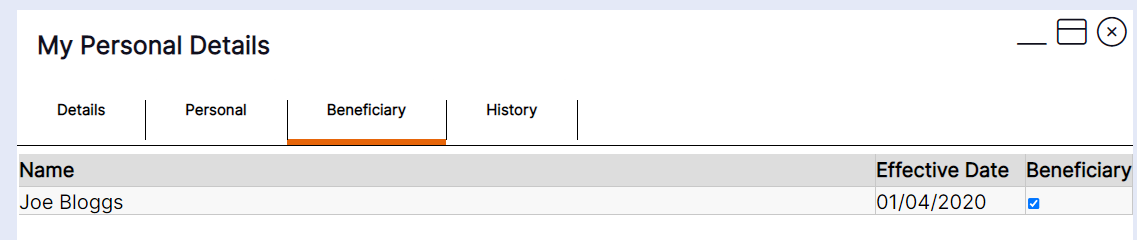
This tab shows you the active details held on your account for any people you have nominated as next of kin or emergency contact for example. If you have also nominated them as a beneficiary, they will display in the list with a tick against them in the beneficiary column as per this example:
HANDY HINT - If the person you have nominated as an emergency contact or next of kin is not displaying, please speak to a system administrator.