
Staff Member Contract Tab – Viewing existing records and audit history
When selecting the "Contract" tab within a staff member record, it will display as per the screenshot below. This allows the user to view some of the details of each record quickly and easily without having to open any of the records.
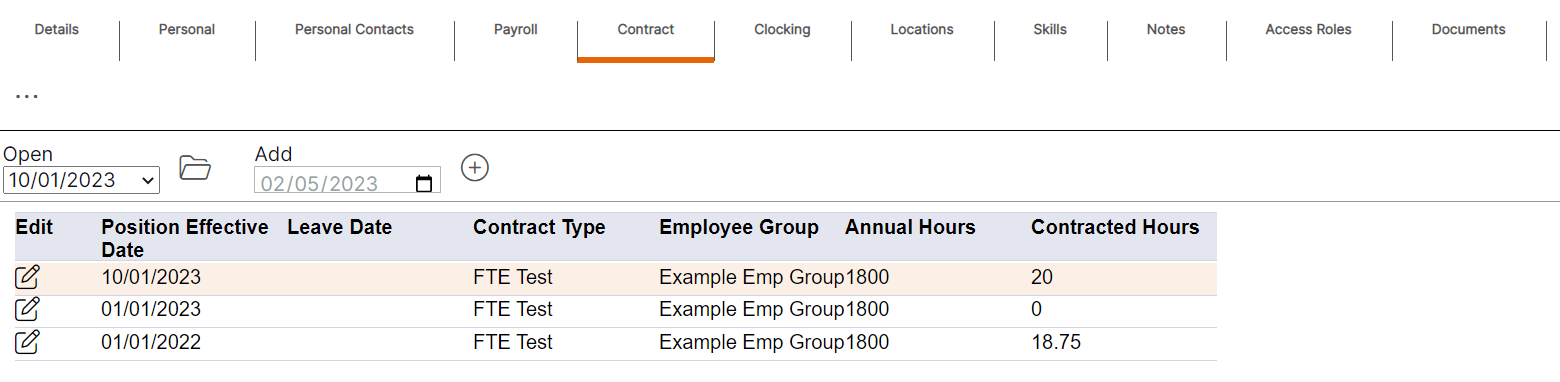
HANDY HINT: The summary provides the user with an audit history record as to when changes were made for the staff member, and the date those changes came into effect.