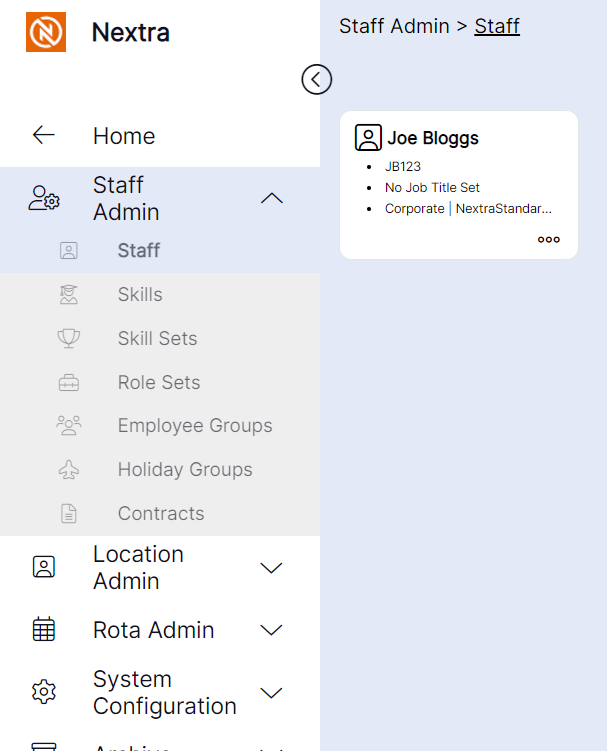
Staff Menu Tab
The Staff Tab is for viewing existing staff records and applying updates to them, and for viewing or updating "Locations" in the hierarchy within the system.
Viewing Member Records
To view staff records in the system, use the following process:
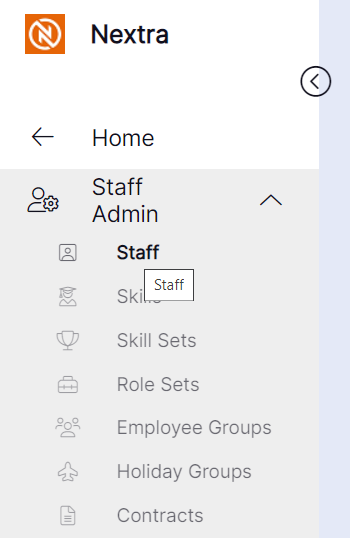
Step 1– Select the "Staff" from the main home screen tab.
Step 2- Once you have selected the staff member from the search bar, this will show you the hierarchy that they are set at.