
How to create new User types
How to create new User types
New ‘User types’ can be created in the system using the following steps:
Step 1 - Select 'Admin' from the navigation menu bar on the left-hand side
Step 2 - Select 'System Configuration' from the navigation menu bar on the left-hand side
Step 3 - Select 'Usertypes' from the sub-menu below
Step 4 - Click on the '+' inside the orange circle and then click 'create'
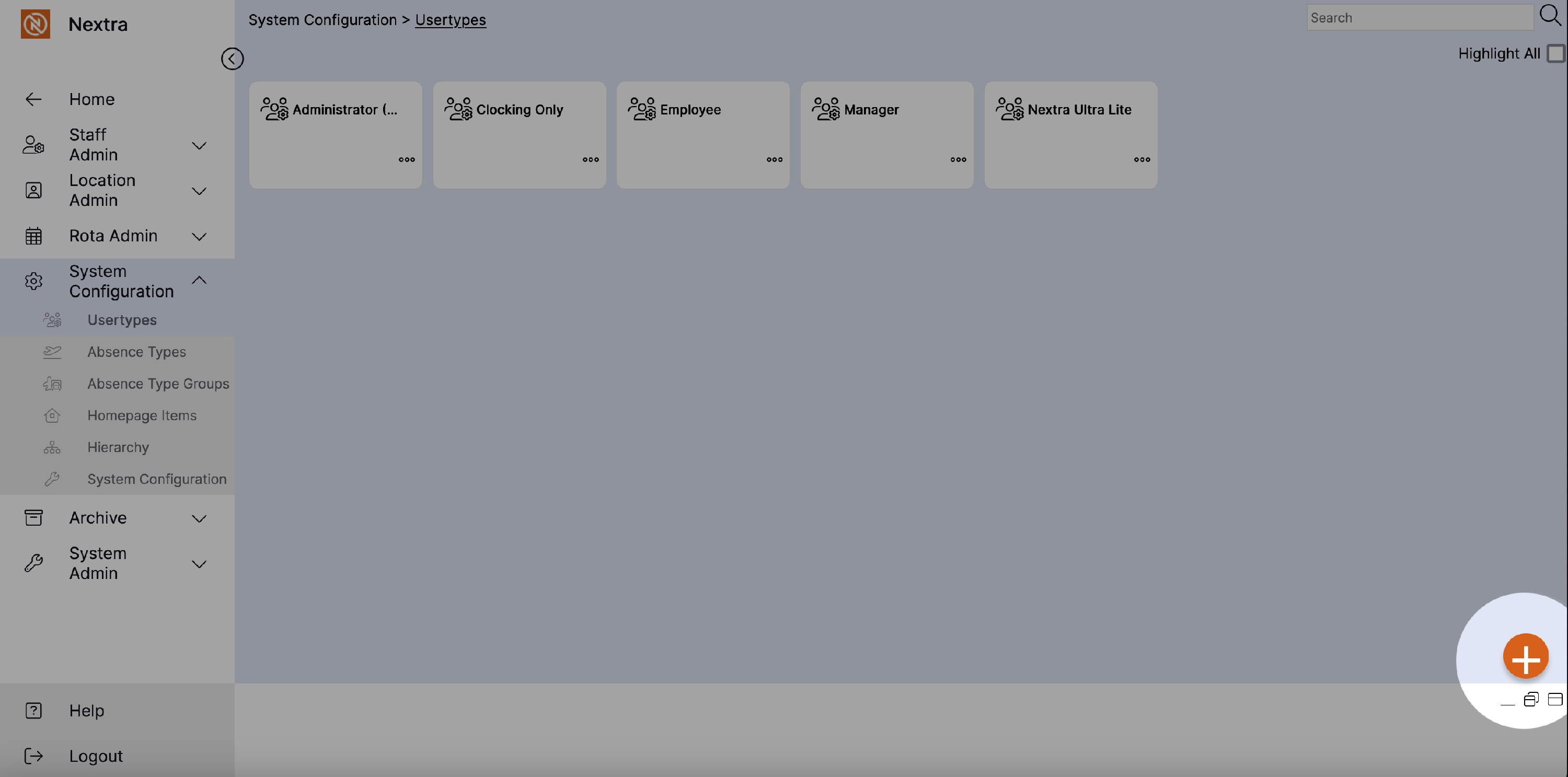
The new ‘Add New Usertype’ record will display as per the example below:
Step 5 – Enter the name of the new user type in the ‘User type’ field.
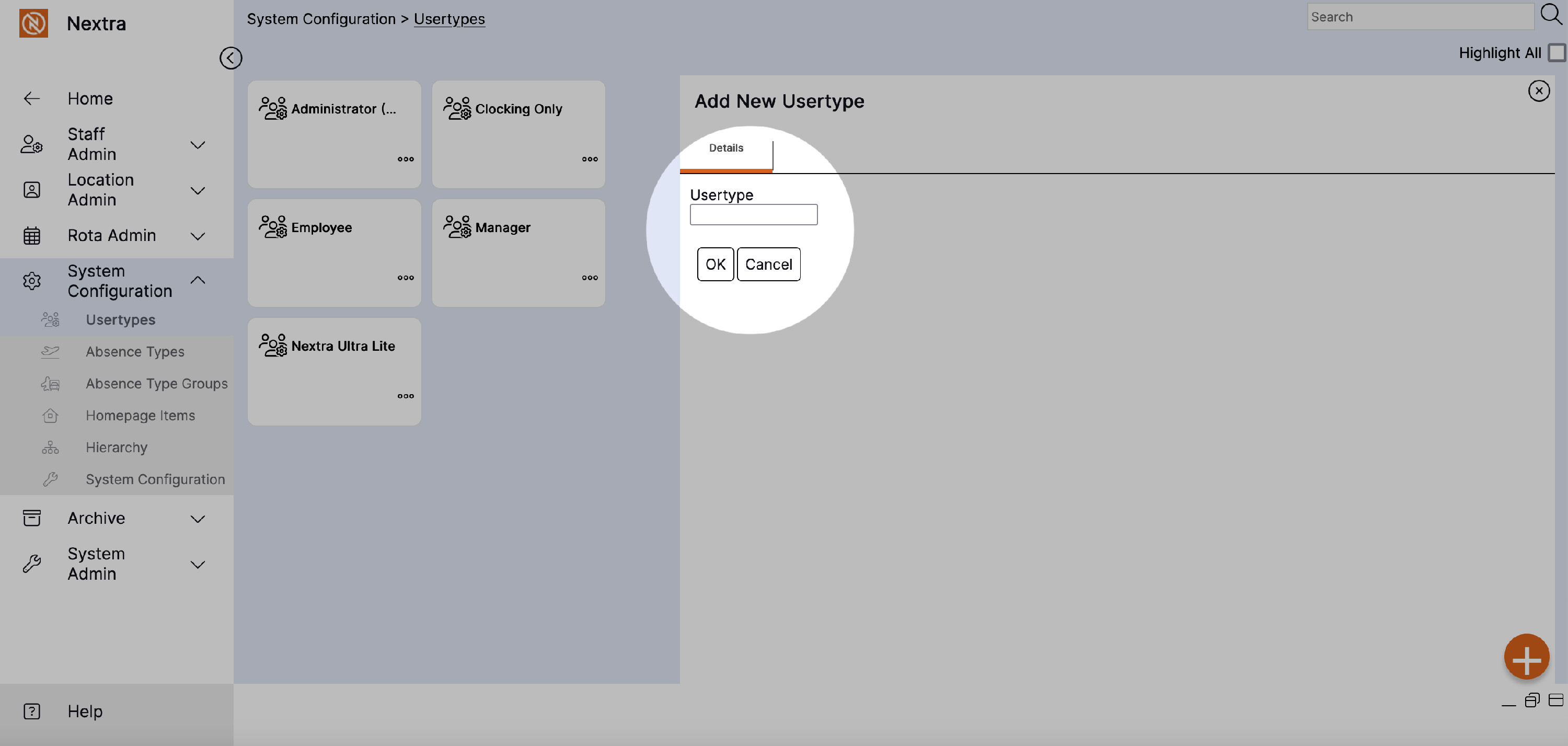
Step 6 – Select ‘OK’ to create the new ‘Usertype’.
Following selecting ‘OK’ the new Usertype will appear