
Geolocation
Geolocation can be enabled for self-service clockings (clockings made through the NEXTRA app) to ensure team members only clock in when they are at their expected location of work.
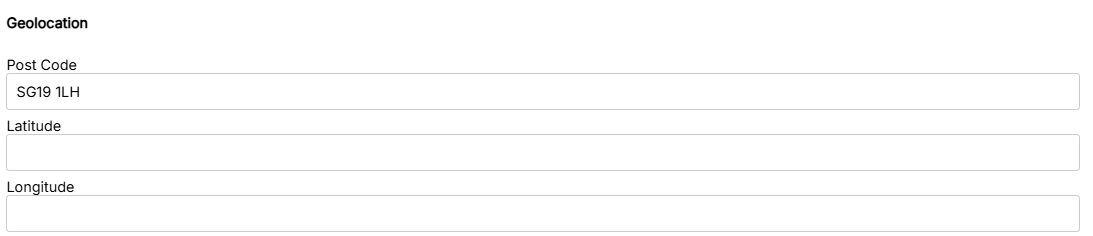
To set up geolocation
Geolocation is most accurate when using longitude/latitude but a postcode can also be used.
- Open the Clocking tab or Geolocation tab on the location
- Enter the post code, longitude and latitude for the location
- Select OK/Save
Handy Hint: NEXTRA requires permission to access a device's location, users are usually prompted by their device if these permissions are not enabled. If users experience problems clocking in via self service where geolocation is enabled, they should check their Location Services permissions are enabled in their device settings.