Viewing Shift Times
To view existing Shift Times in the Admin screen, follow these steps.
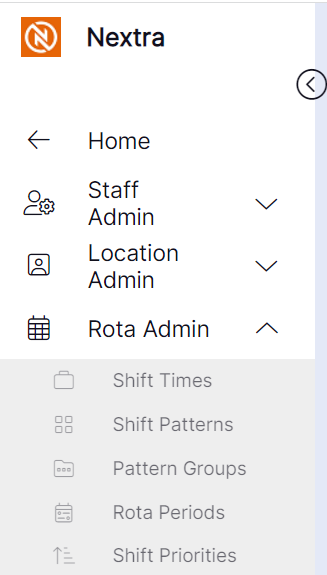
Step 1– Select the "Rota Admin" tab, this will give you a drop down menu for you to then select "Shift Times".
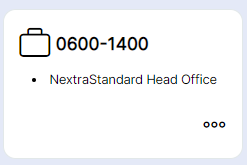
Step 2– Open up the "Shift Time".
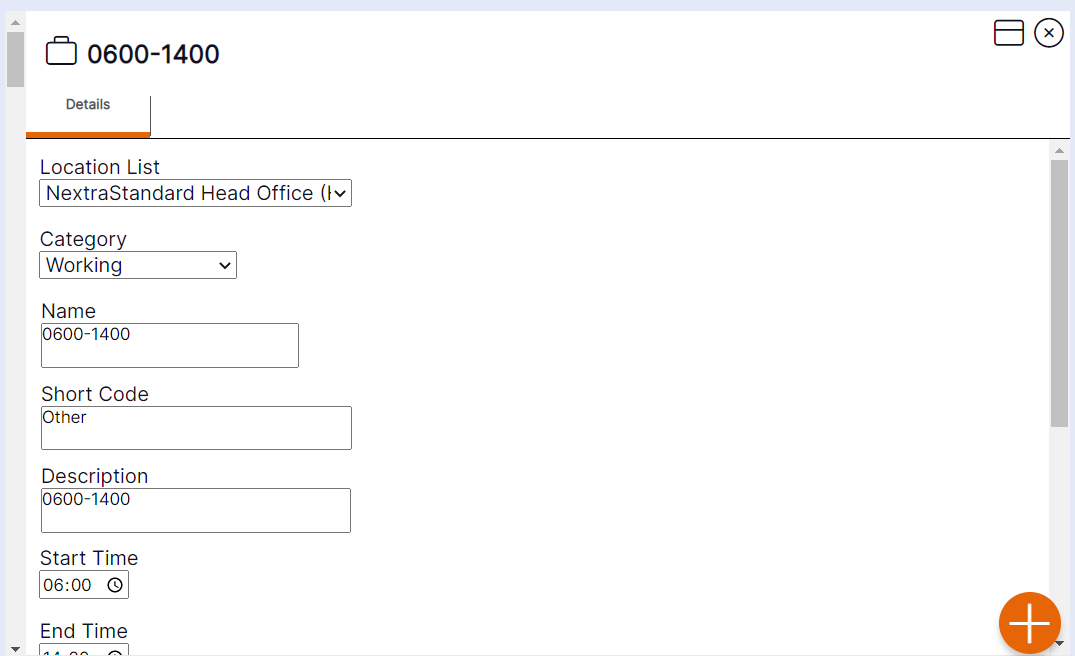
Step 3– The "Shift Time" record will then open. Use the scroll bar to see all details and save.