
How to log into the system
Follow these steps to log into the NEXTRA system:
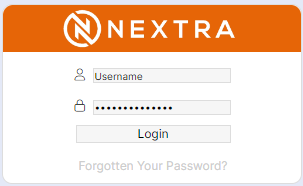
Step 1 – Go to the defined URL for your NEXTRA system and enter your username and password, followed by selecting ‘Login’.
The homepage will then load, displaying the ‘Smart Tiles’ the user has access to, based on their assigned access role (user type) and location in the system.