
Updating an existing record on the Time zones tab of an Holiday Group record
Please note: ‘Time zone’ records on a ‘Holiday Group’ should only be edited if a mistake has been made when initially creating it. This is to avoid issues where some staff members have already made requests for absence which have been prevented, and other staff members can then subsequently make a request which is then allowable due to the record being edited. In order to edit an existing record, follow these steps:
Step 1 – Select the edit icon.
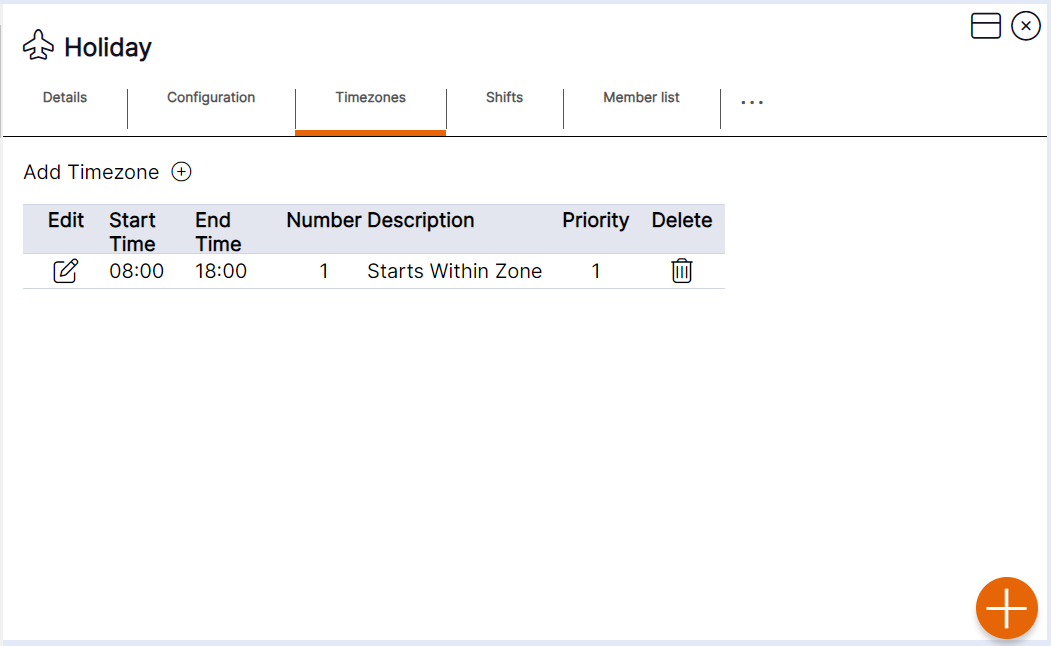
Step 2 – Update the details by using the drop-down menus or by deleting old data and typing in new data.
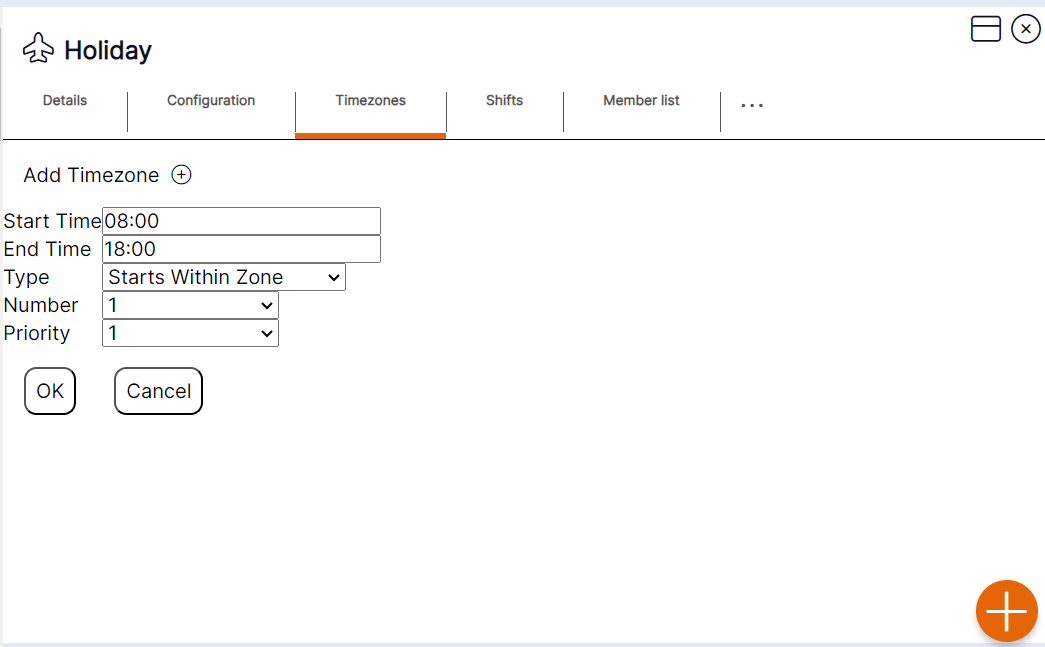
Step 3 – Select ‘OK’ to update the existing record.