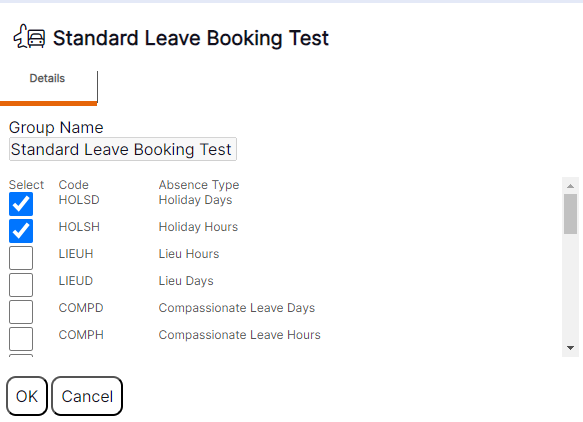
Viewing existing ‘Absence Type’ groups
Absence Type Groups’ can be viewed and edited in the system as follows:
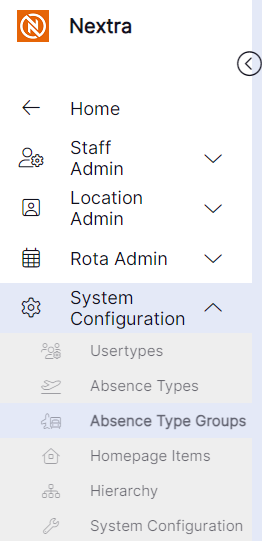
Step 1- Select the ‘System Configuration’ tab.
Step 2- Select 'Absence Type Groups'
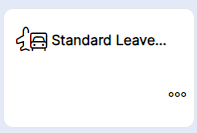
Step 3 – Open the tile by clicking on the icon or on the name
The ‘Absence Type Group’ record will display as per the example below: