
Asset Management - Equipment types
Users can create categories to assign assets and equipment to allowing quick and easy organisation and viewing of assets.
To create an Equipment Type
- In the Admin section, select Assets and Equipment Type.
- Select the orange '+' (plus) icon from the bottom right corner.
- Select the location within your system you would like this Equipment Type to be available.
- Enter the name of the Equipment Type in the corresponding field.
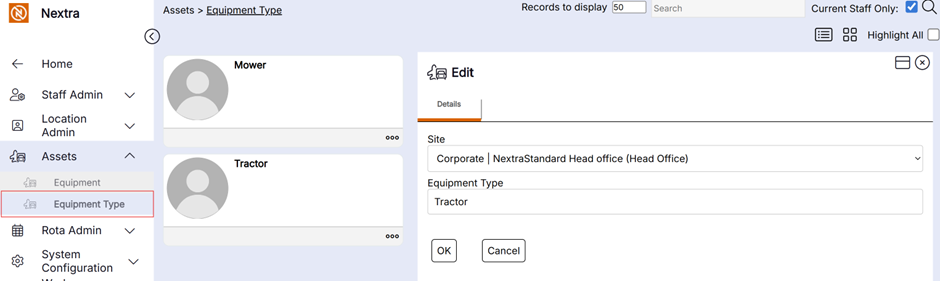
This Equipment Type will now be available to select when creating new Equipment/Asset records in the system.