Staff Member Attendance Info Tab
The "Attendance Info" tab allows the user to report on a staff member’s absences by the leave period defined in the system, clocking (times they have clocked against their planned shifts), and adjustments (differences between planned shift times and time worked on the day) in the system. To view any of this information, users should follow the steps documented in each section below.
Step 1 – On the homepage select the "Admin" option from the navigation menu.
Step 2- Select the "Staff Admin" option from the navigation menu.
Step 3- Select the "Staff" sub option from the navigation menu.
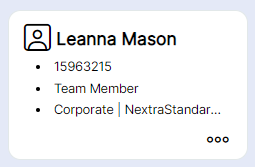
Step 4- Look for your staff member and select their card either using the three dots in the bottom right hand corner or the staff icon in the top left corner.
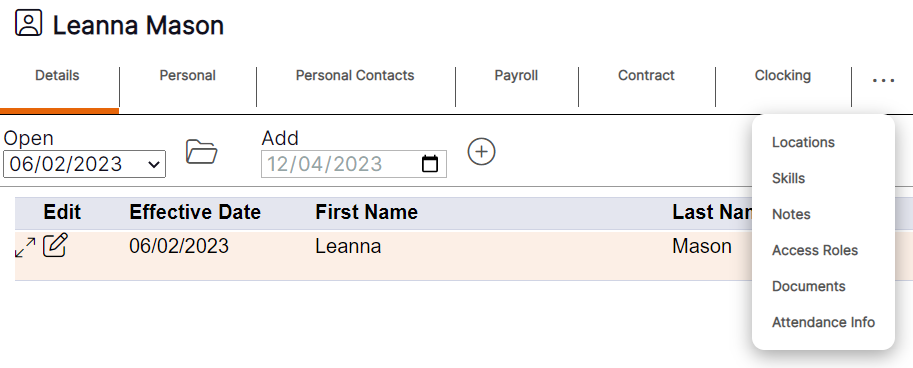
Step 5- Select the three dots and open up "Attendance Info" from the drop down menu.