
Holiday Group Details Tab – Viewing and editing existing details
The ‘Details’ tab is where users can edit the ‘Group Name’ or ‘Owner’ (location within the hierarchy) by following these steps:
Step 1 – Update the details by using the drop-down menus or by deleting old data and typing in new data.
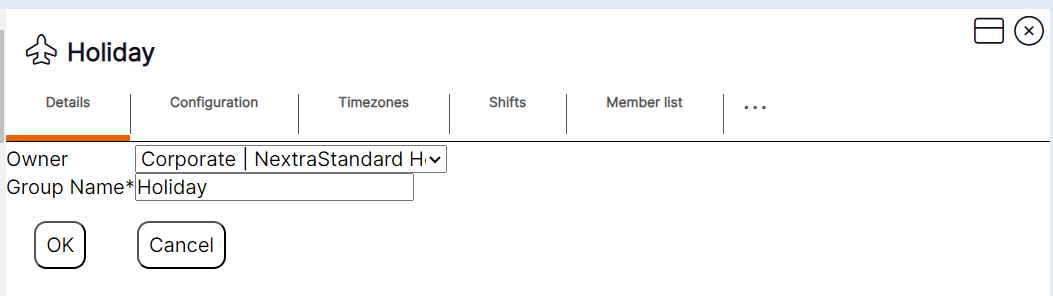
Step 2 - Select ‘OK’.